
Bank statements in the ERP
Pulls in bank account transactions and links customer payments to orders automatically.
 1 / 5
1 / 5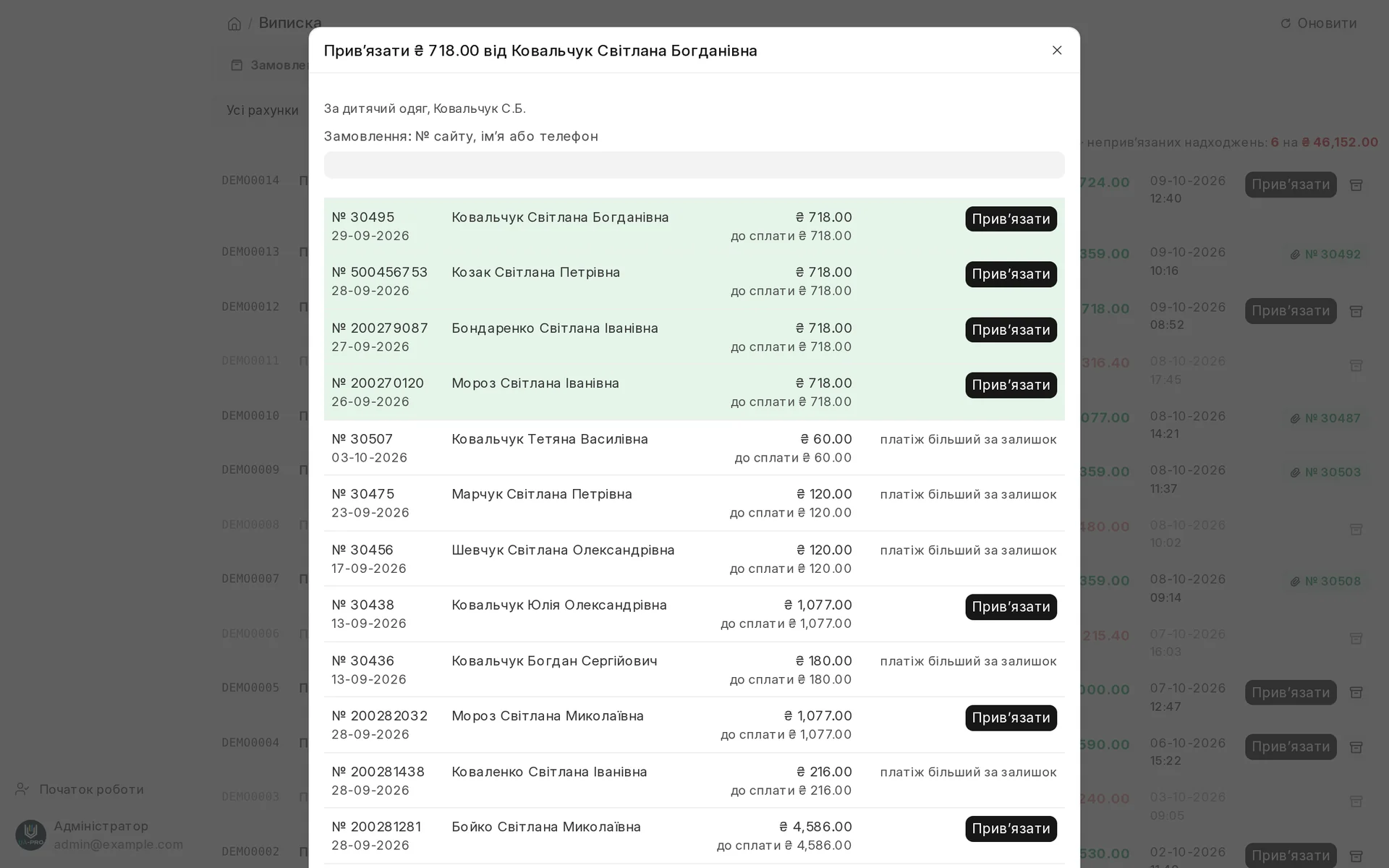
Screen by screen
Captions to the module screens: briefly what each one shows and why.
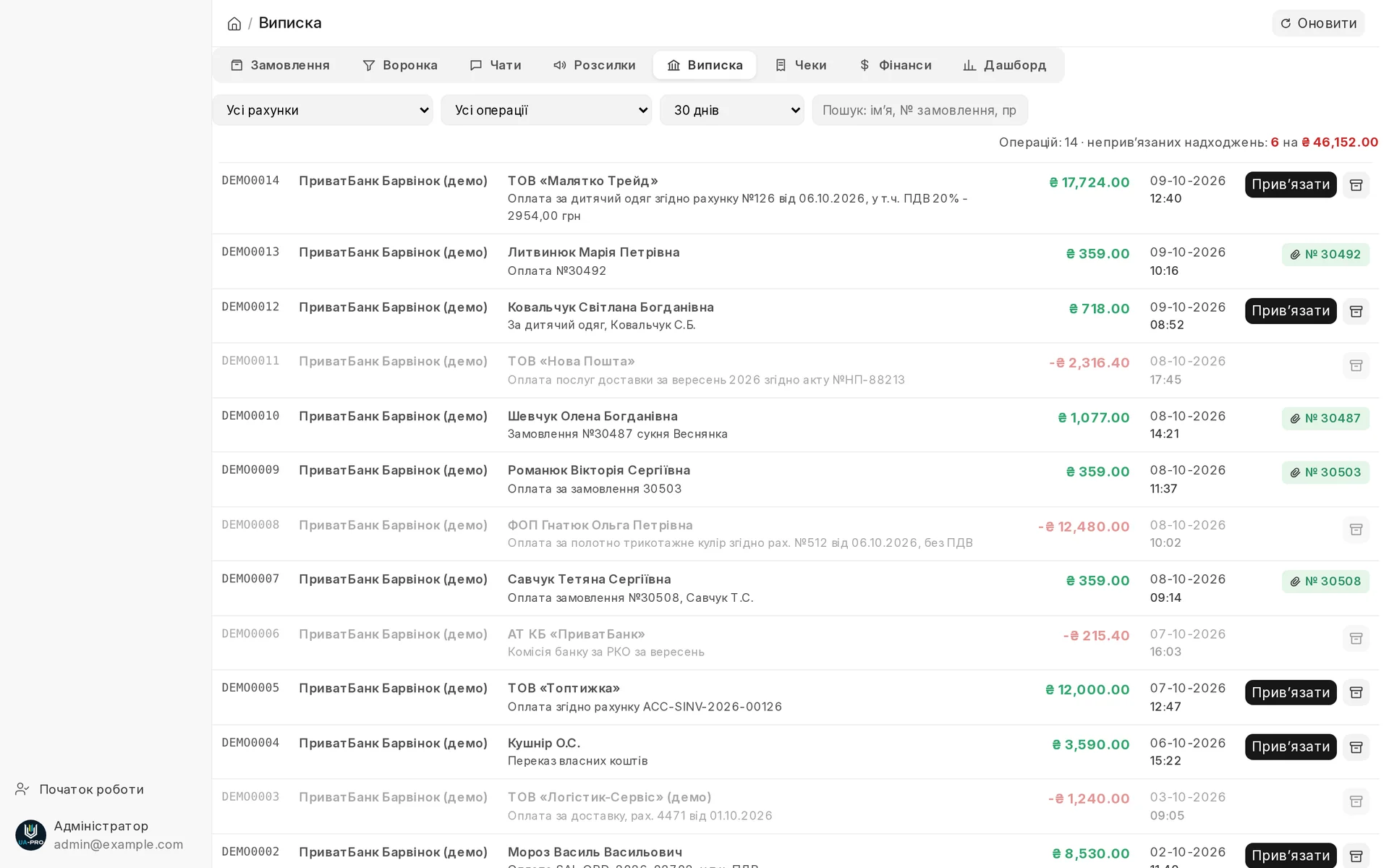
- 01
The whole statement for 30 days on one page: receipts, debits and what has already been matched to orders and invoices.
- 02
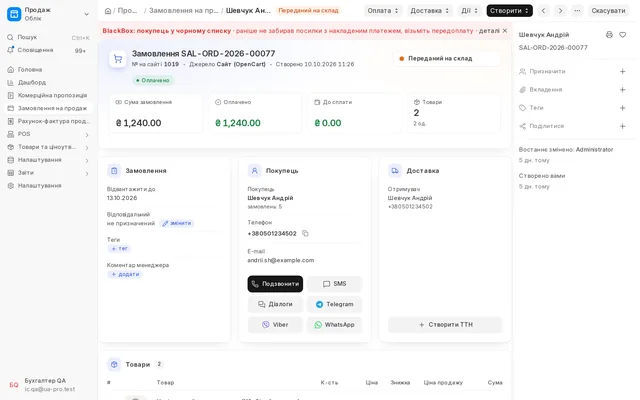
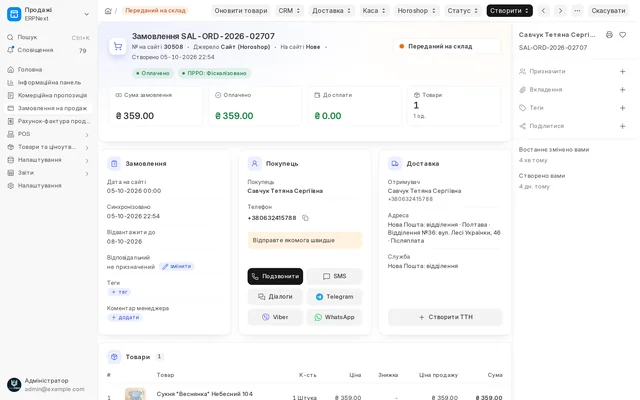
A payment the system did not recognise is linked to an order in one window, and the payment entry and reconciliation are created automatically.
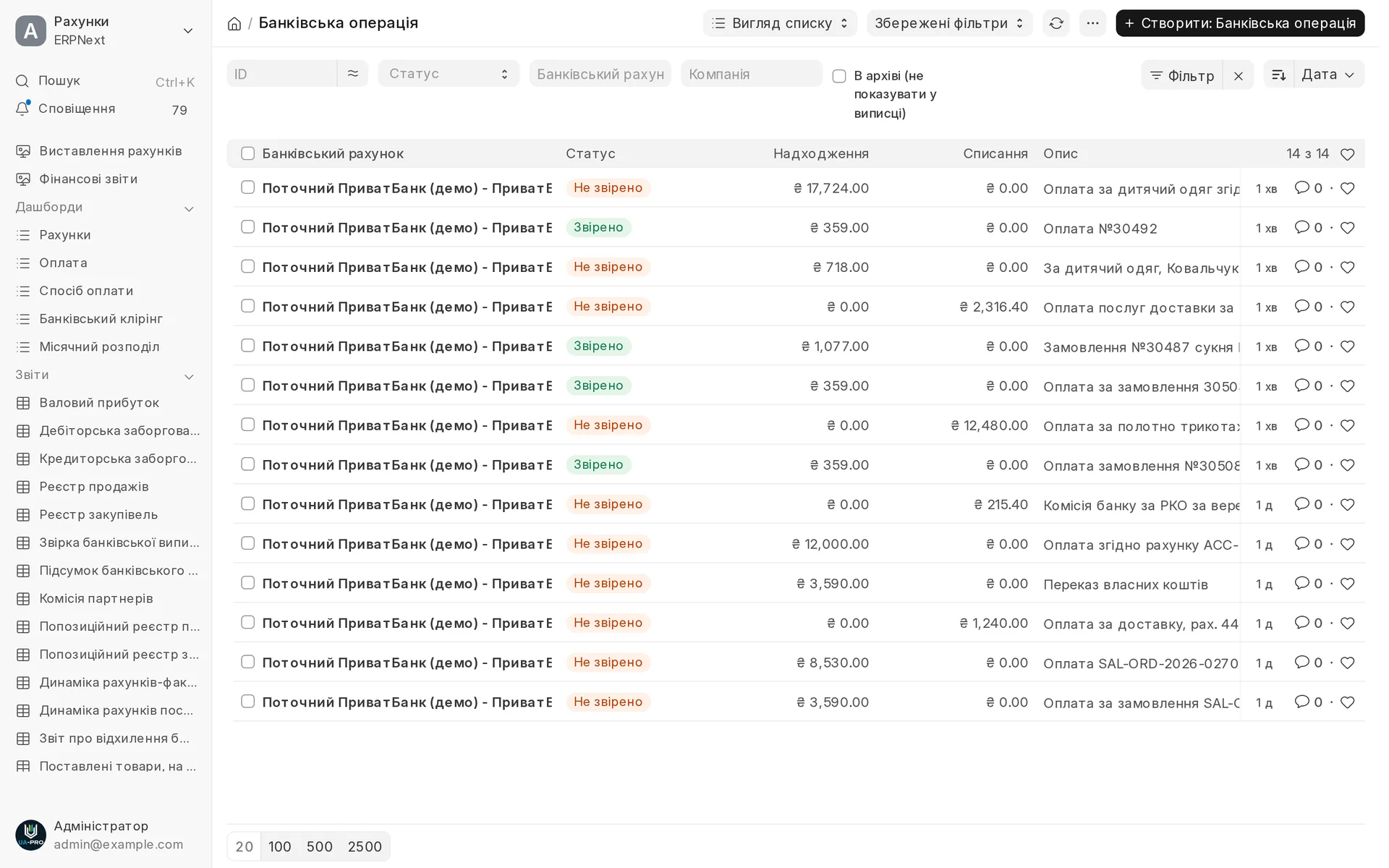
- 03
A list of bank transactions with their matching status: you see at once what is still unallocated.
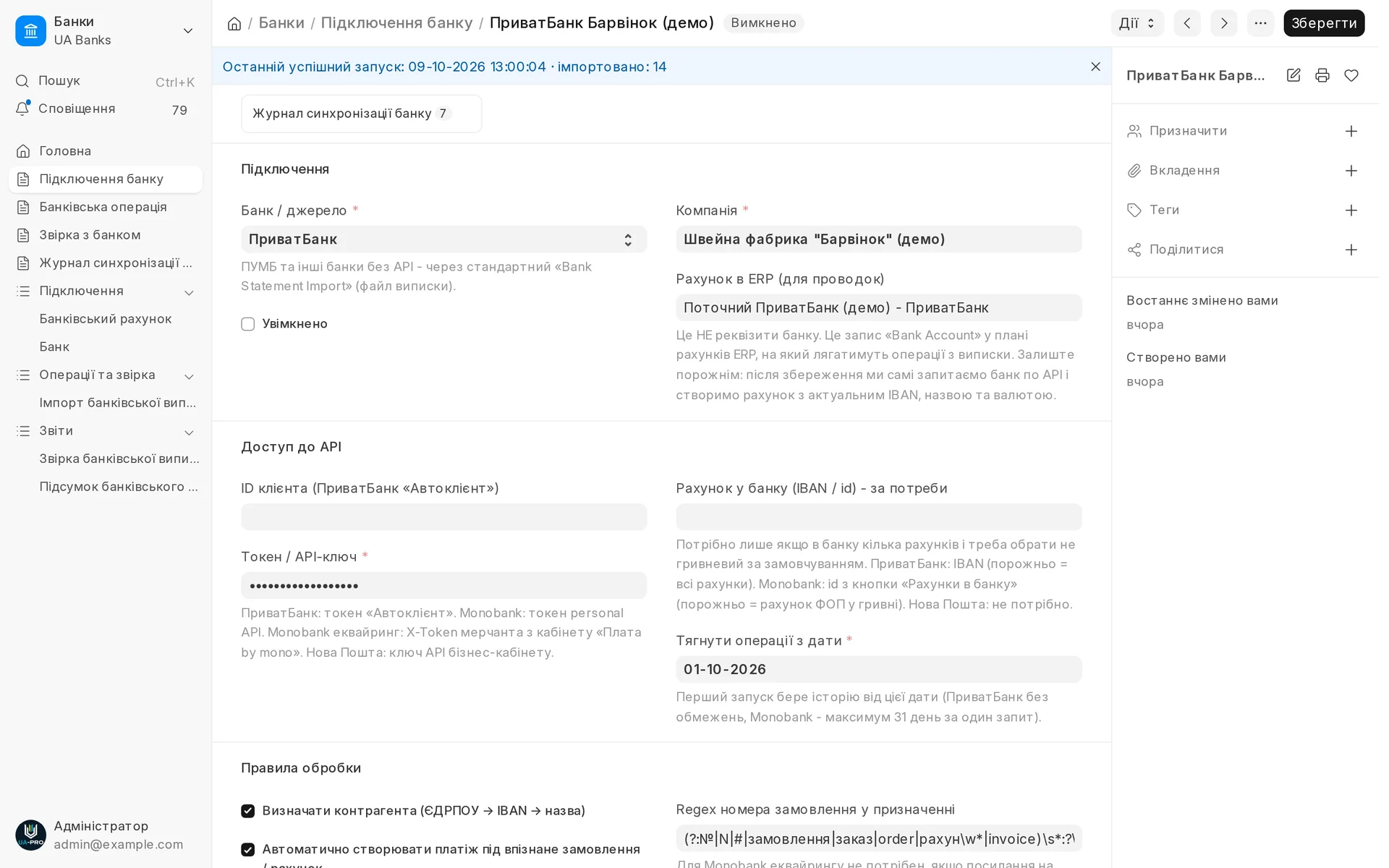
- 04
Bank connection: account, company, time of the last successful exchange and how many transactions have been loaded.
- 05
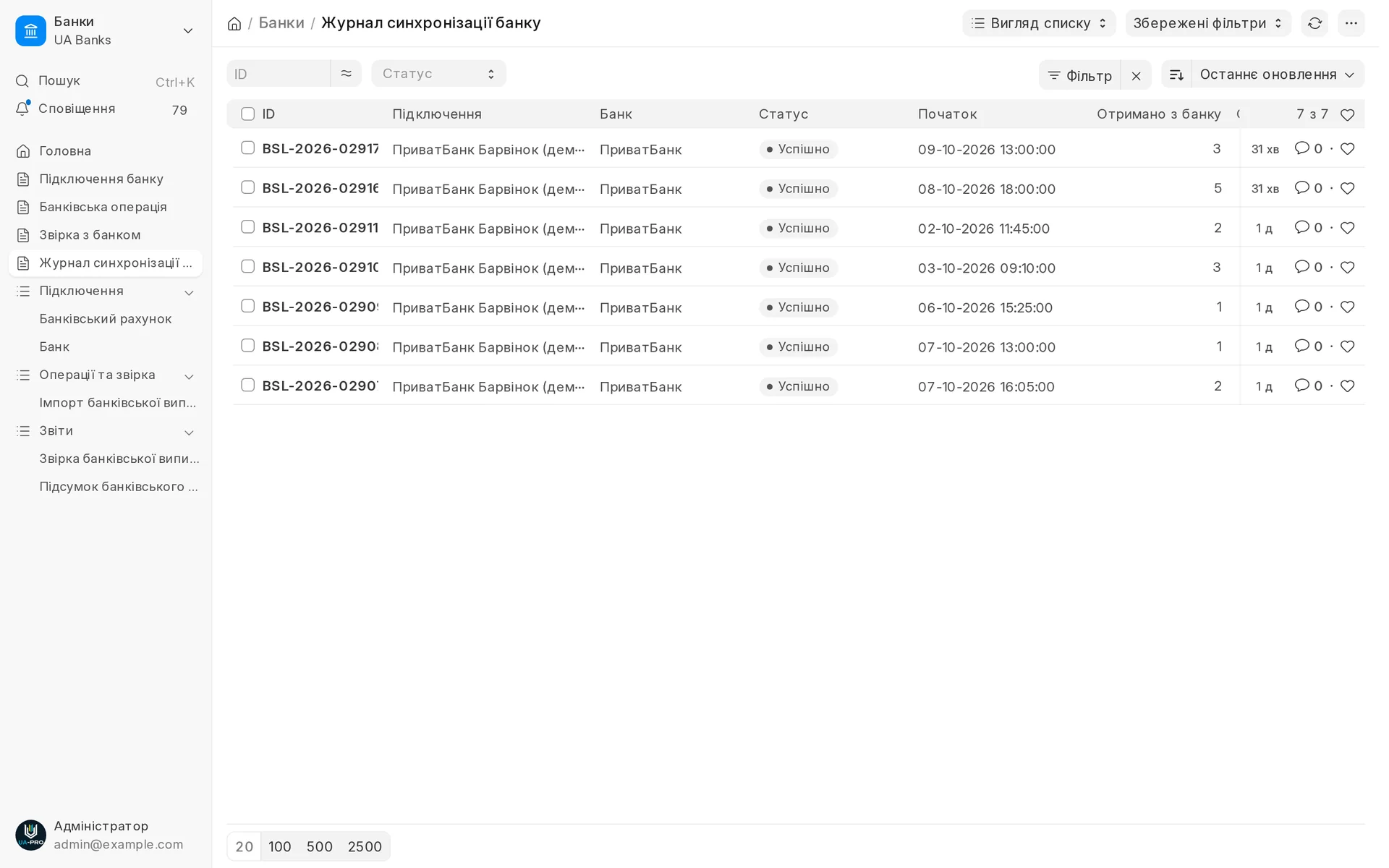
The sync log shows every exchange with the bank: how many transactions came in and whether there were errors.
Bank statements
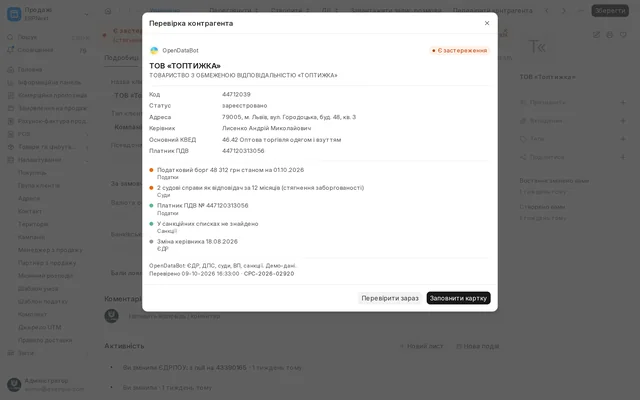
PrivatBank and Monobank statements, mono acquiring with fees and refunds: payments are matched to orders and invoices automatically, a new counterparty is created from its EDRPOU code.
Area: Accounting and taxes. The module is switched on and off for each company separately, with no per-seat licences.
The same, on your data.
The screens were captured on a demo company. Send us a sample document or order and we will show this module on it.