
Shipping: a waybill from the order
Nova Poshta, Ukrposhta, Meest and Rozetka Delivery without retyping data
Step by step, as in the recording
The voice-over text in English, to find the right moment or read it instead of watching.
- 01
Copying the address and phone number from an order into the carrier's account means wasted minutes every day and mistakes in the digits.
- 02
In the order you click "Shipping", "Create waybill". The recipient, phone, weight, cash on delivery (COD) and declared value are filled in from the document.
- 03
You choose the city and branch from the carrier's directory: you type the city, pick a branch from the list and save. And "Calculate cost" shows the delivery price and the COD fee even before dispatch.
- 04
You click "Create waybill", confirm, and the waybill number is already in the shipment. A PDF label with a barcode is attached automatically, and you print it straight away and stick it on the box.
- 05
The order now shows the waybill number and the delivery status. And the order contents are frozen: the "Update items" button is gone, so the box contains exactly what is on the waybill.
- 06
Case one: the customer added another dress. The system will not let you change the weight on a finished waybill: first you "Delete waybill" at the carrier. After that the order contents are open again, and you create a new waybill from the same document.
- 07
Case two: the customer card has no phone number, and it is entered by hand with a mistake. The shipment will not be saved until the number is complete, and the system adds the 380 format itself.
- 08
After that the status updates every half hour and comes back to the order. "Received" is highlighted in green, "Refused" and "Returned" in red, so refusals are visible at once.
- 09
Ukrposhta, Meest and Rozetka Delivery are connected the same way: the waybill, the label and the status live right in the order.
Shipping (Nova Poshta, Ukrposhta, Meest, Rozetka)
Waybills for Nova Poshta, Ukrposhta, Meest and Rozetka Delivery: branches, label, tracking from the order.
Area: Sales and shipping. The module is switched on and off for each company separately, with no per-seat licences.
More modules on video
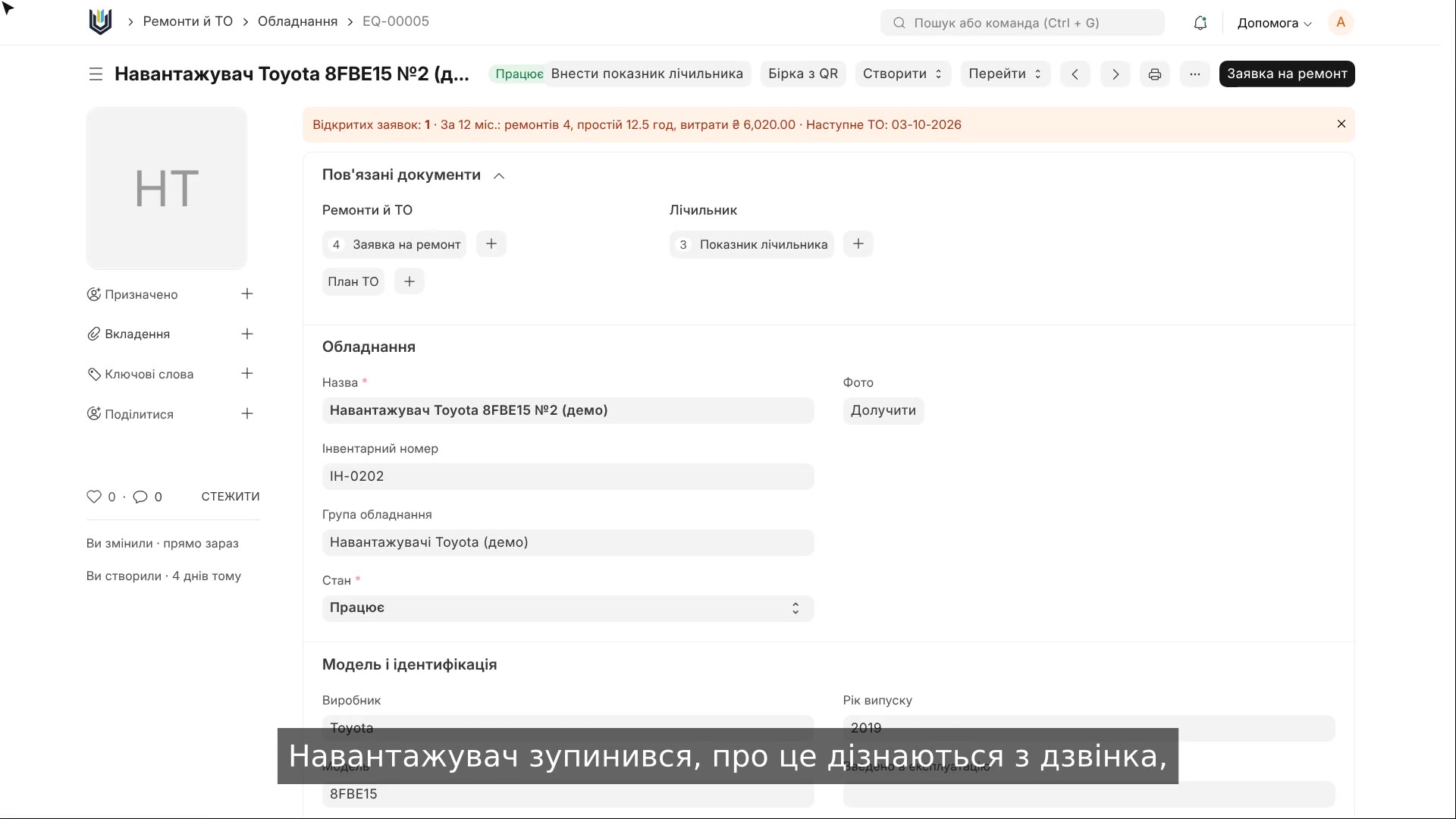 2:14Equipment repairs and maintenance
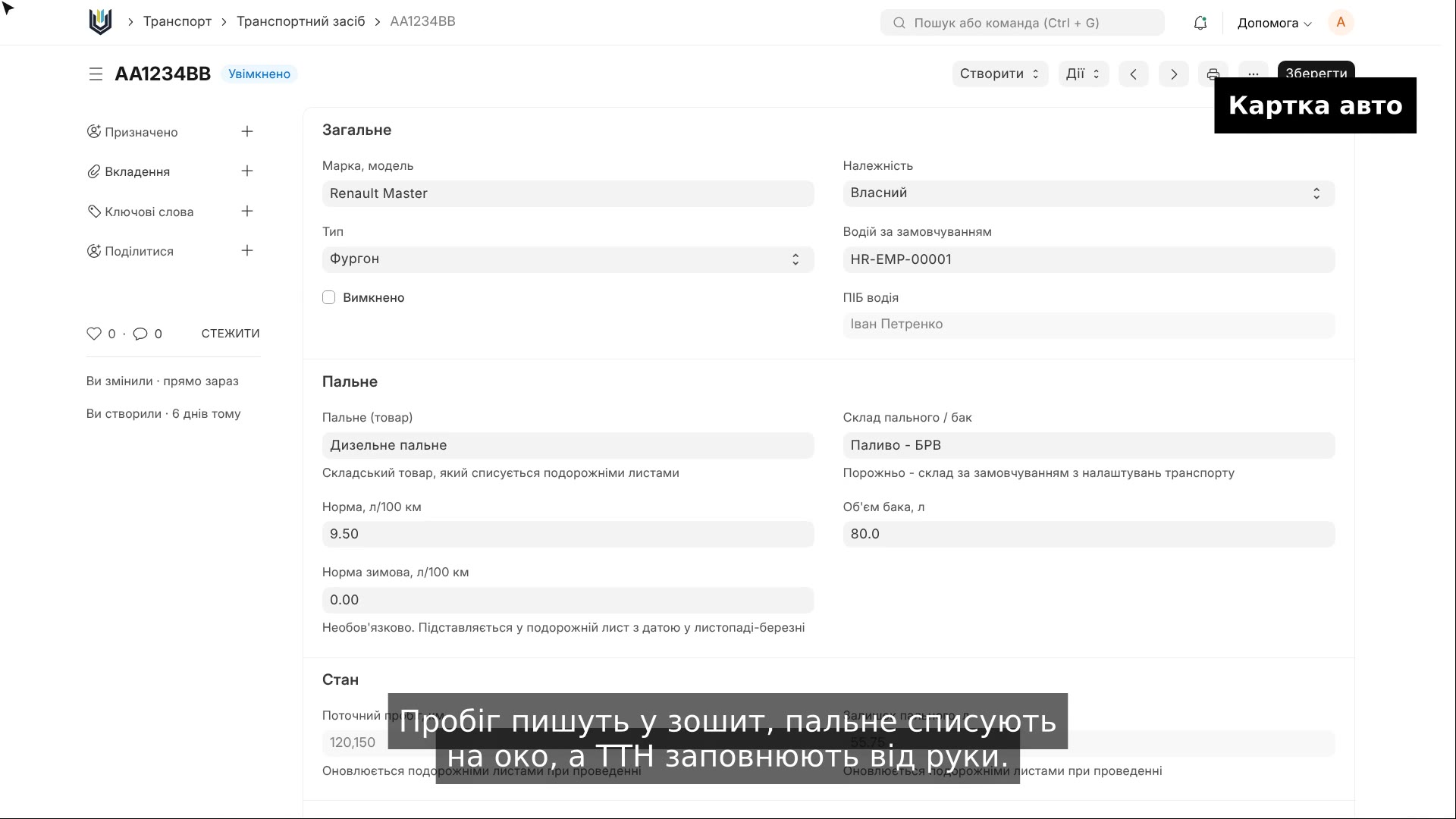 2:18Trip sheets and waybills
 2:25Tax invoices from a sales invoice
The same, on your data.
The video was recorded on a demo company. Send us a sample document or order and we will show this module on it.