
Shop-Express integration
Orders from a Shop-Express web shop go into the books automatically: reservation, delivery, closing.
 1 / 5
1 / 5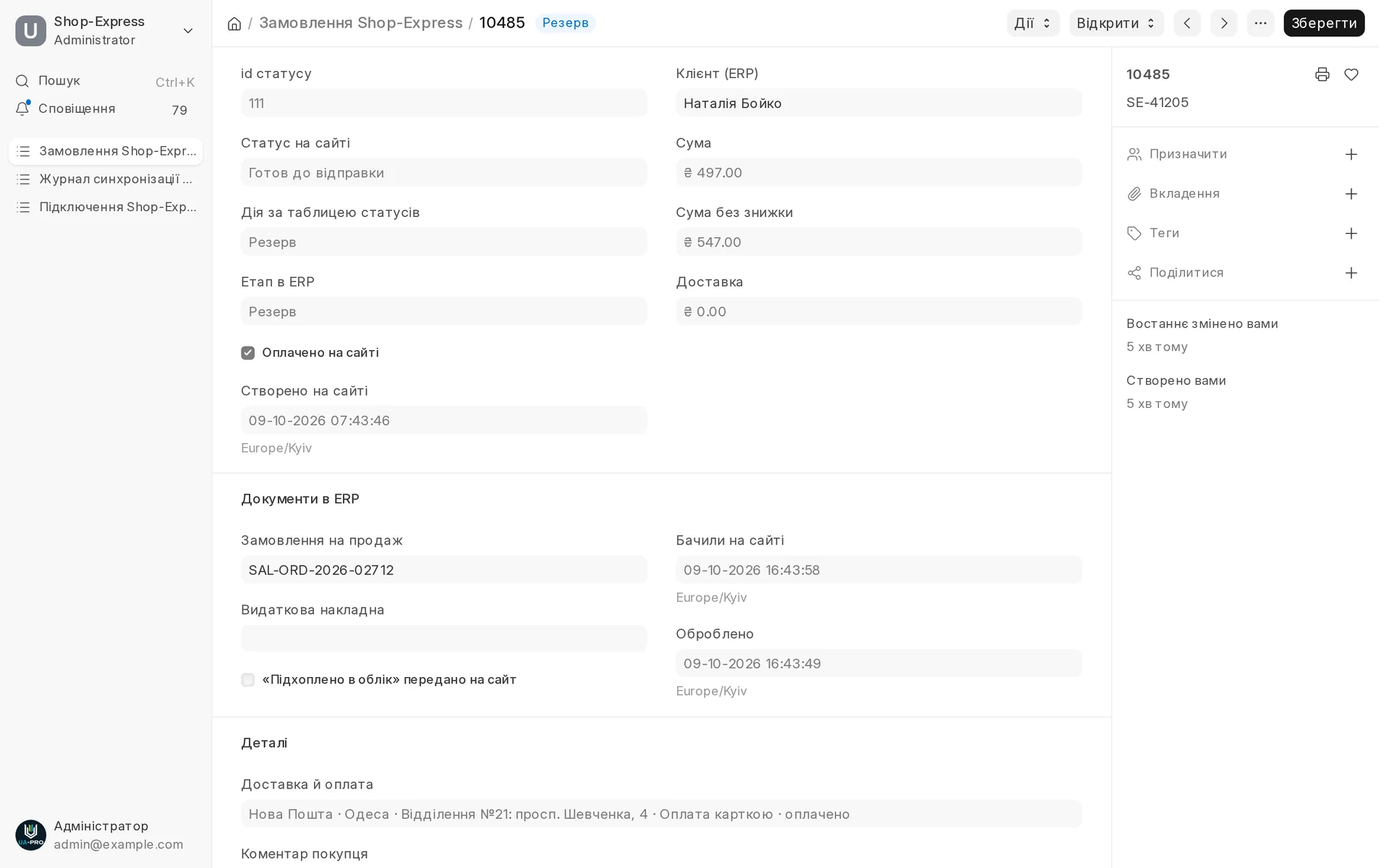
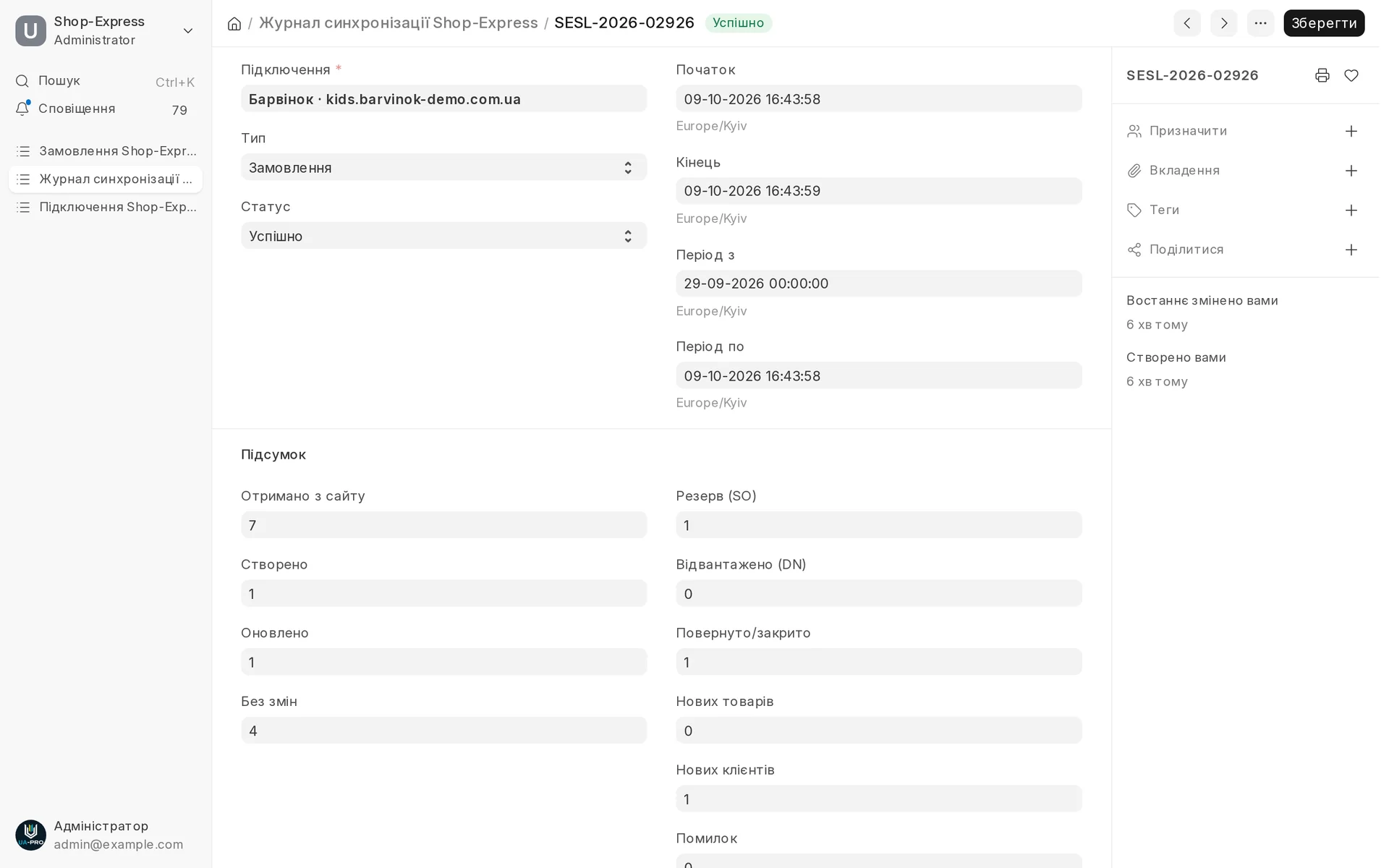
Screen by screen
Captions to the module screens: briefly what each one shows and why.
- 01
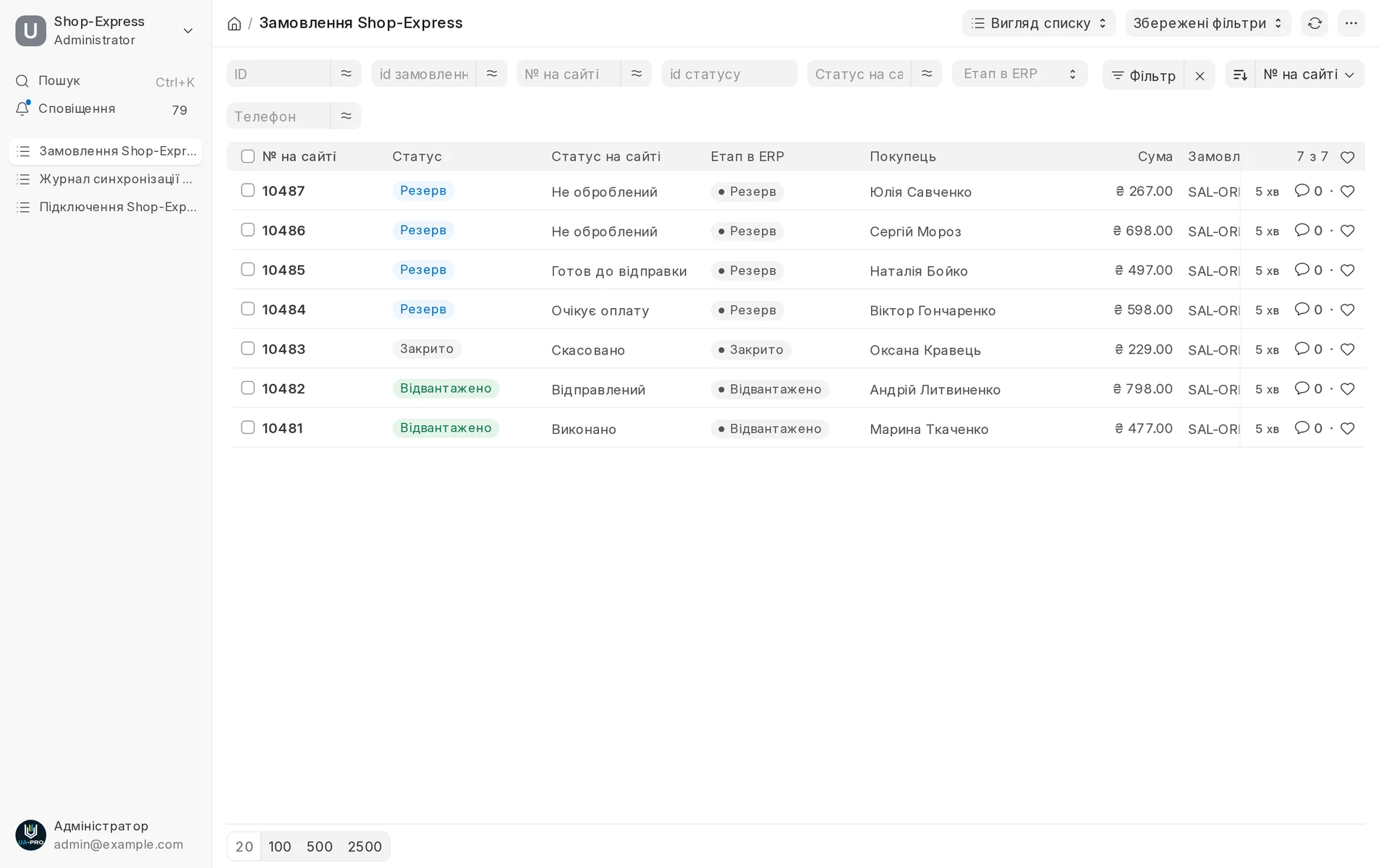
All site orders in one list: the site status and what has been done with the order in the ERP, reservation, delivery or closing.
- 02
The site order card: amounts after discount, payment, delivery, the buyer's comment and the sales order created.
- 03
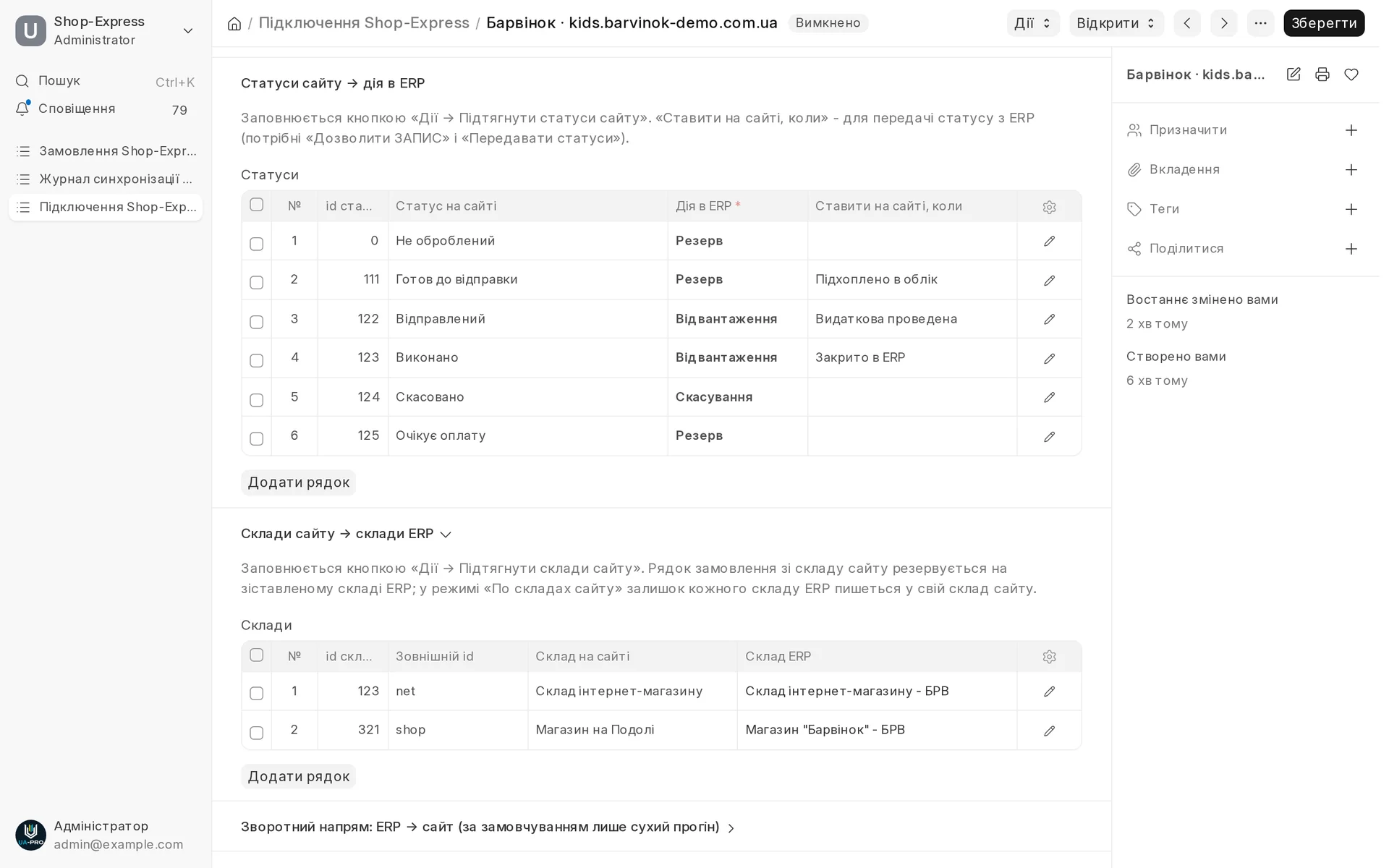
You decide what to do with each site status and which site warehouses correspond to ERP warehouses.
- 04
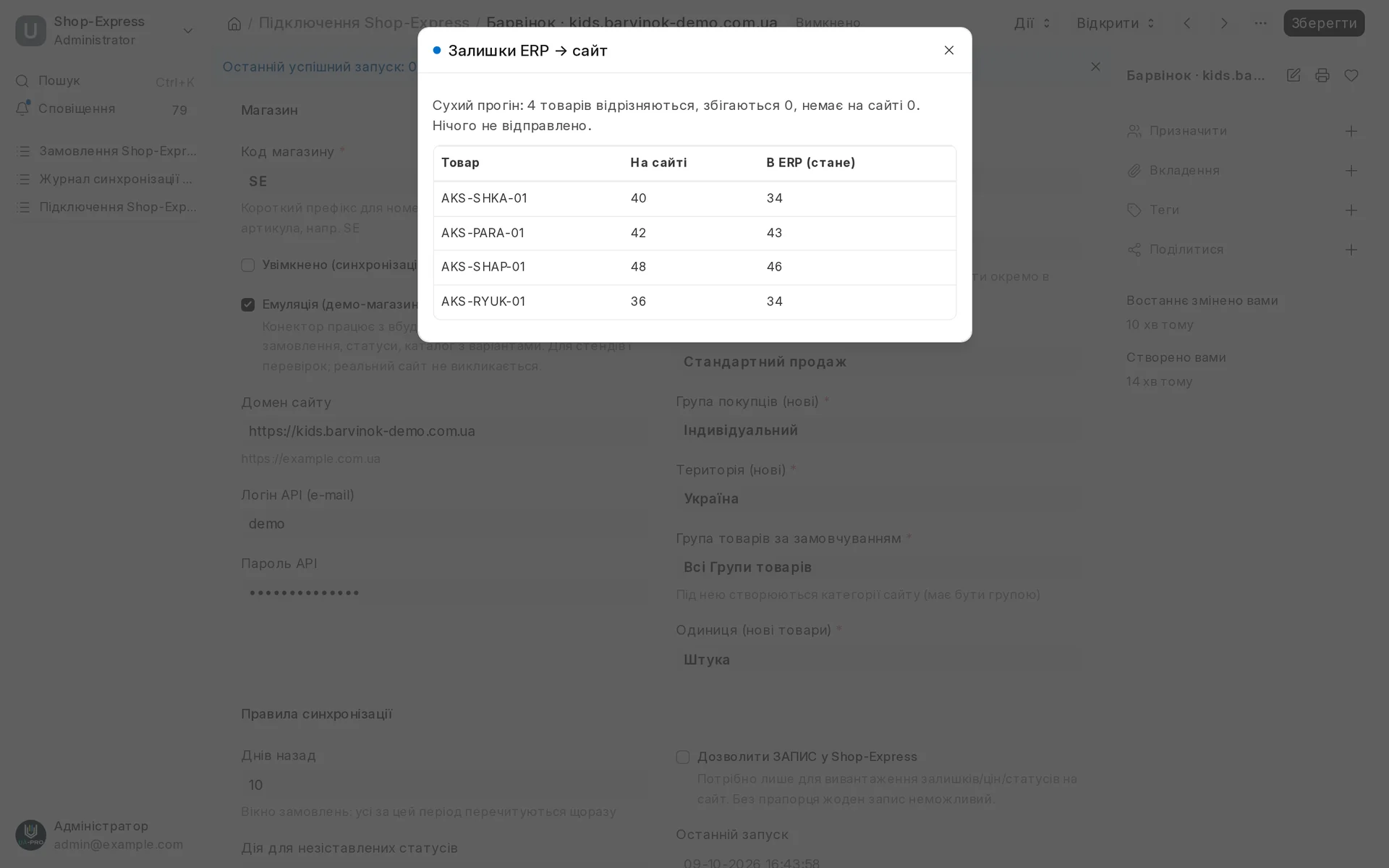
The stock comparison shows where the quantity on the site differs from the ERP and writes nothing until you allow it.
- 05
A log of every exchange: how many orders were received, created, updated and closed, and whether there were errors.
Shop-Express integration
Orders from a Shop-Express web shop arrive in the system with stock reserved, deliveries and cancellations follow your status table, products with variants, prices and photos are pulled from the catalogue, stock (total or per warehouse), prices and statuses go back to the site and are verified after every write.
Area: Sales and shipping. The module is switched on and off for each company separately, with no per-seat licences.
More modules on video
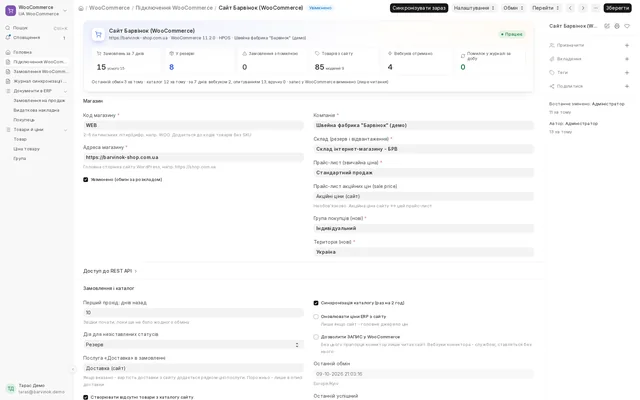 7 screensWordPress / WooCommerce integration
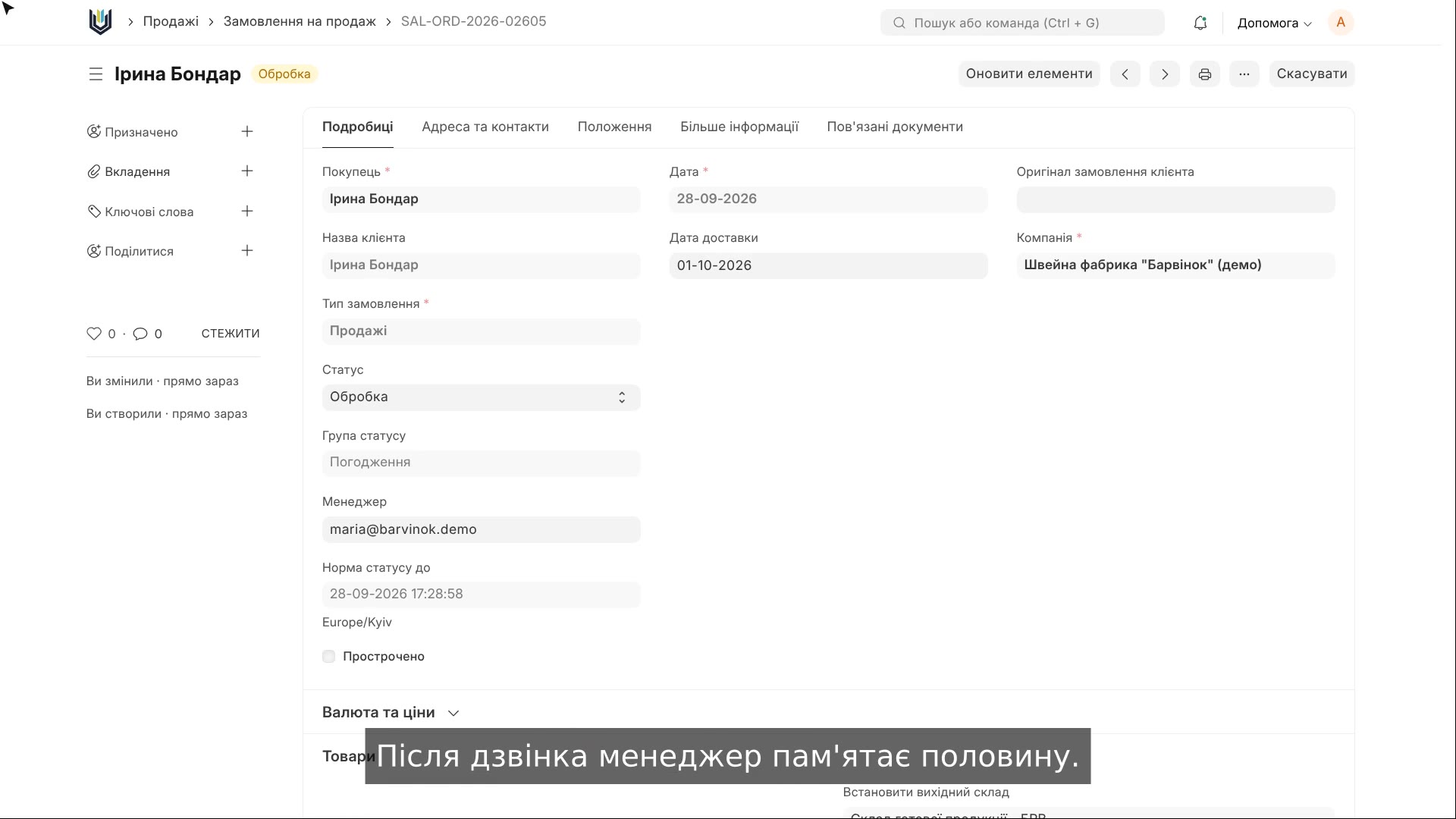 1:48AI for calls and chats
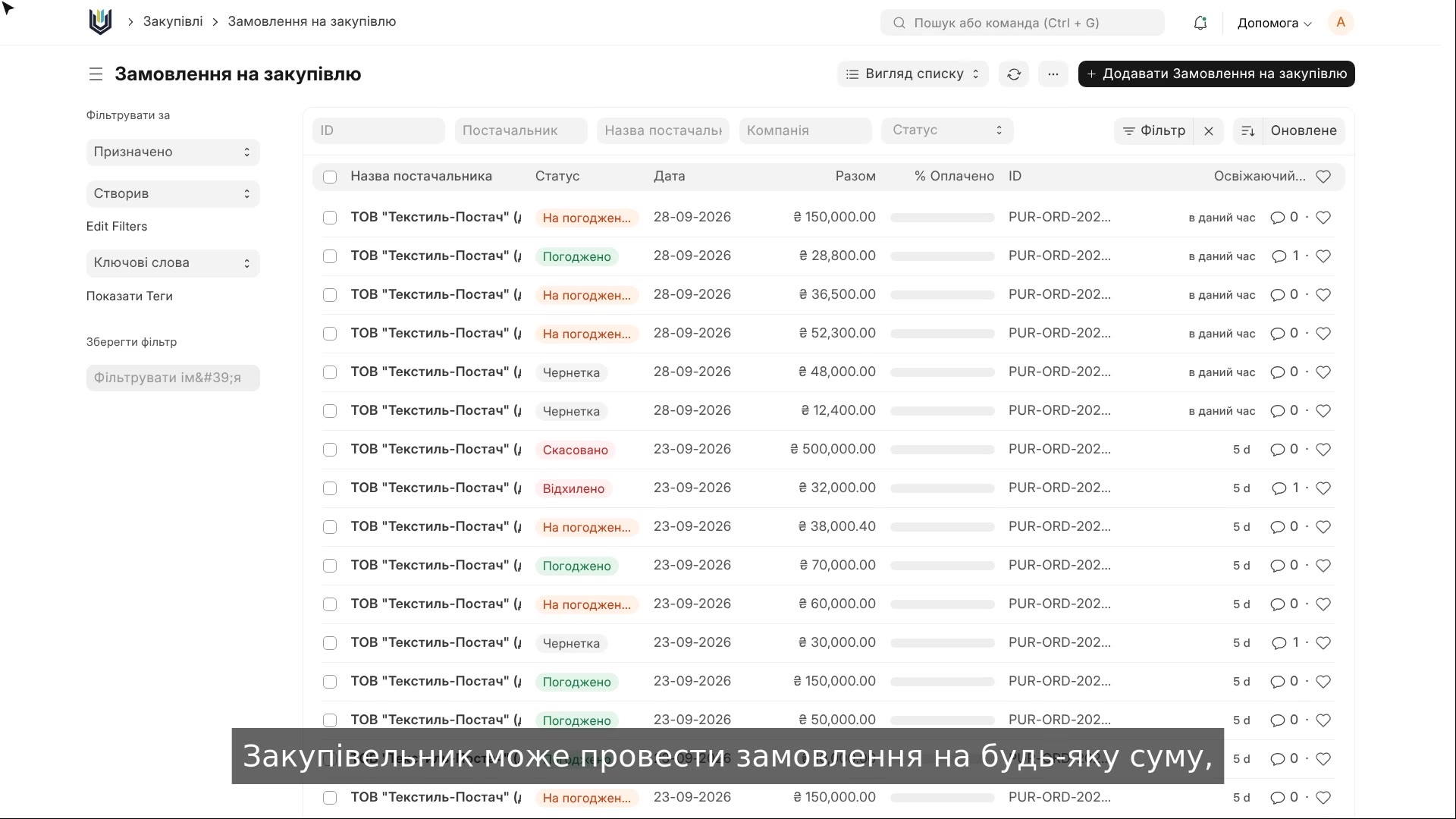 2:23Purchase approvals in the ERP
The same, on your data.
The screens were captured on a demo company. Send us a sample document or order and we will show this module on it.