
WordPress / WooCommerce integration
A WooCommerce shop is connected with one button: orders, products, stock, prices and statuses move between the site and the ERP automatically.
 1 / 7
1 / 7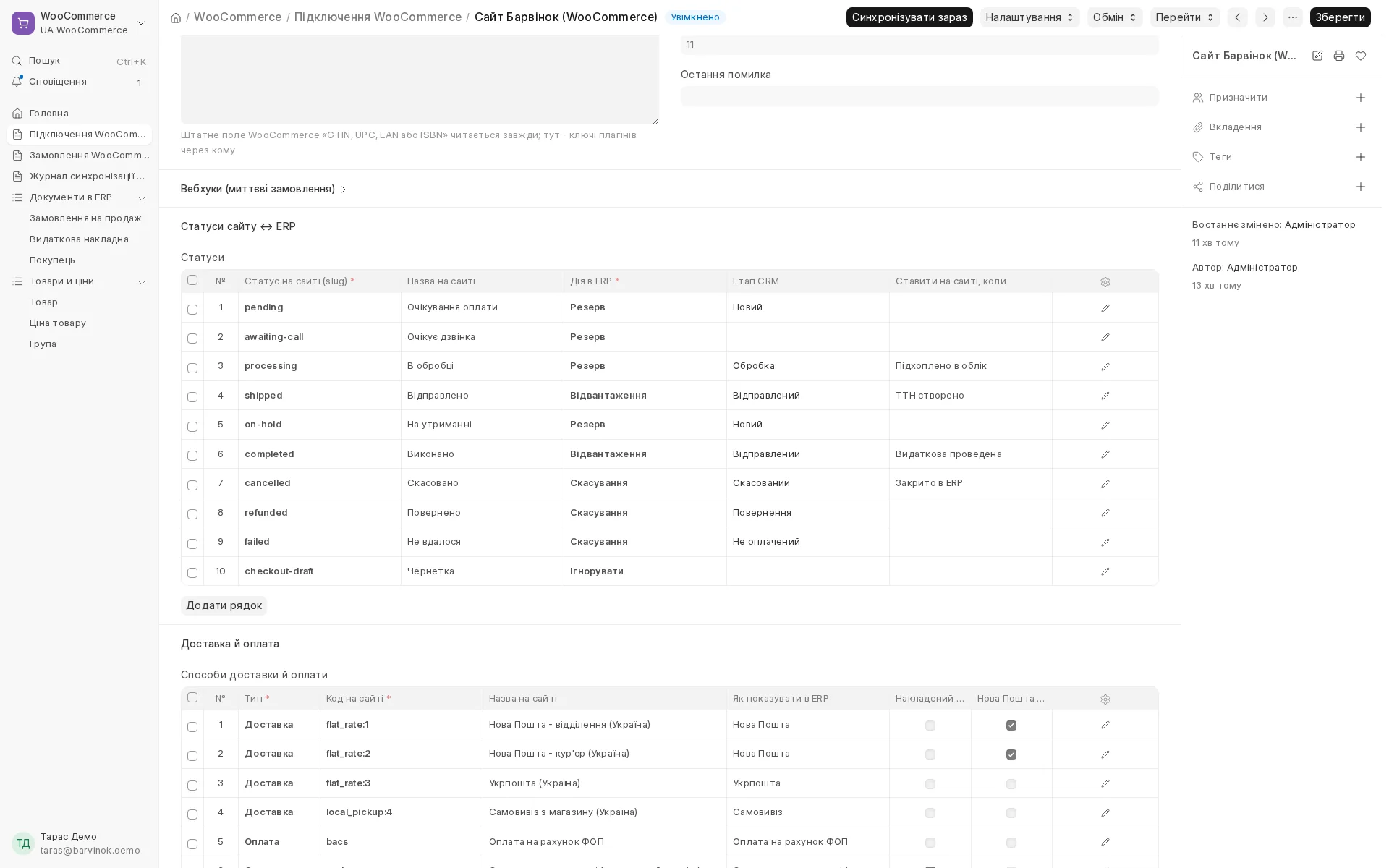
Screen by screen
Captions to the module screens: briefly what each one shows and why.
- 01
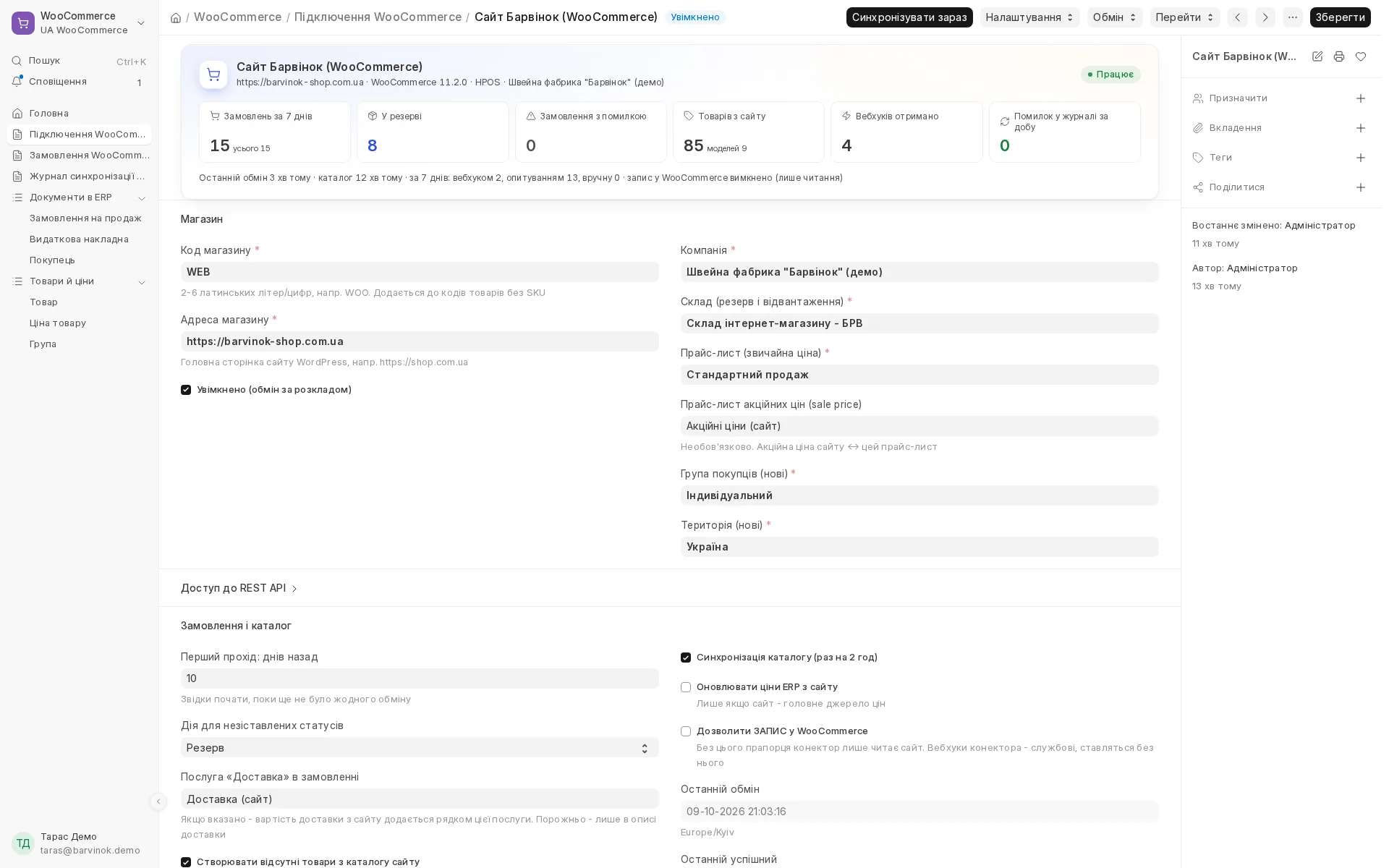
Shop connection: the "Connect shop" button obtains access on the site itself, and at the top you see orders, reservations, products, webhooks and errors.
- 02
You map each site status, including custom ones, to an action in the books and a CRM stage, and decide when the ERP changes the status on the site itself.
- 03
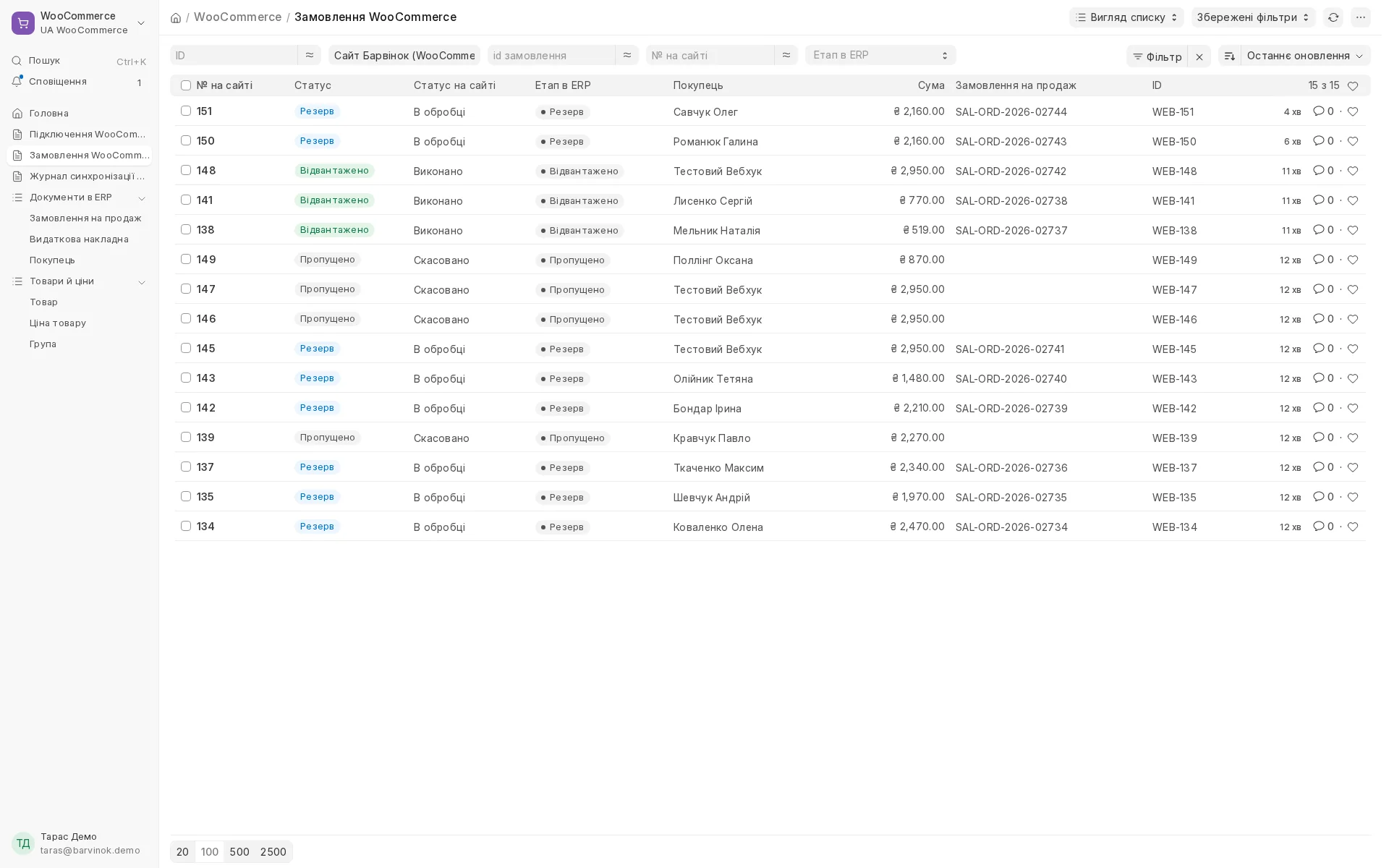
All site orders in one list: the site status, what has been done in the books and the sales order created.
- 04
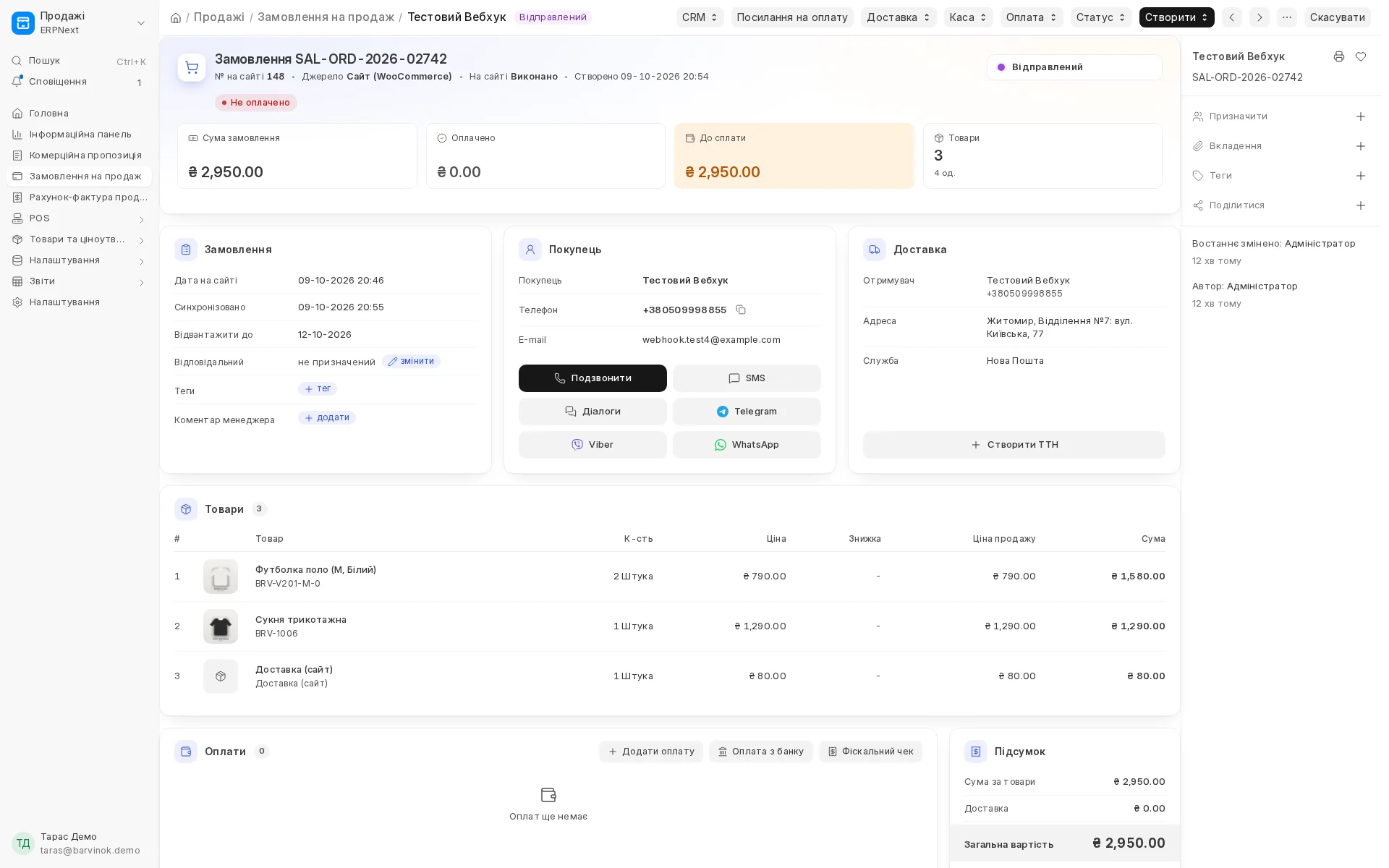
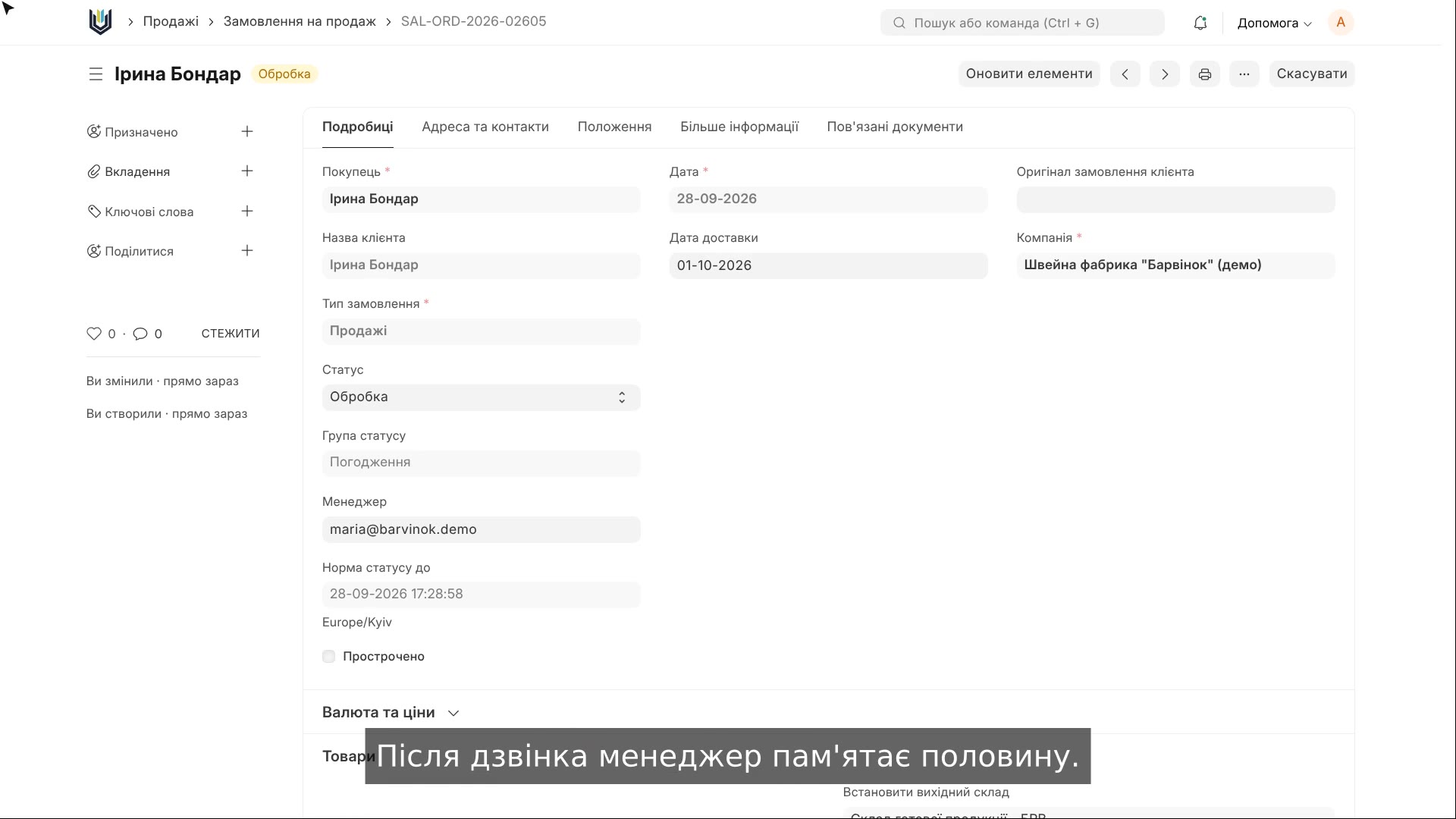
A site order opens in the familiar CRM card: source WooCommerce, the Nova Poshta city and branch already filled in, the goods reserved.
- 05
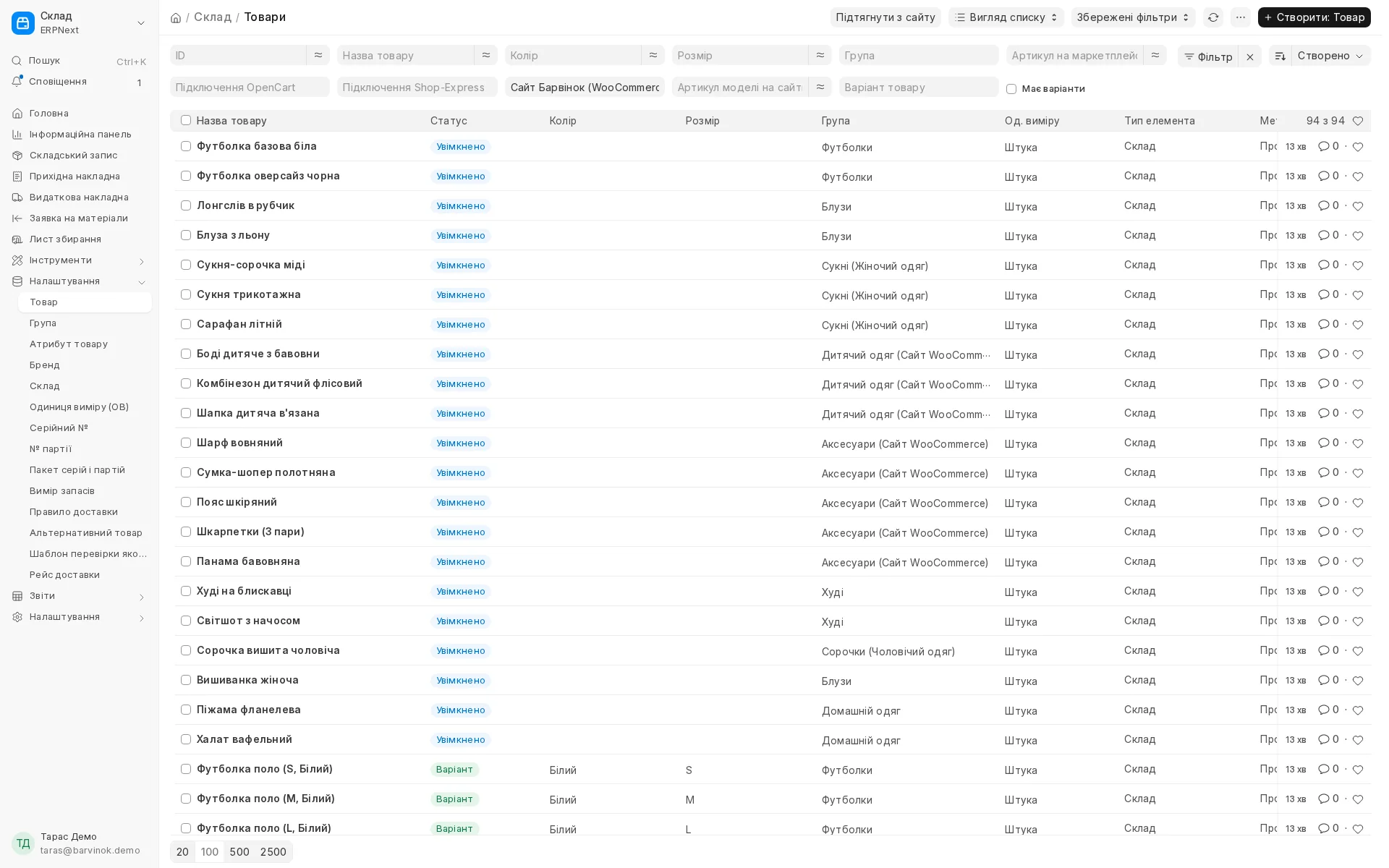
The site catalogue is transferred into the books with categories, photos, barcodes and colour and size variants, existing products are matched by SKU.
- 06
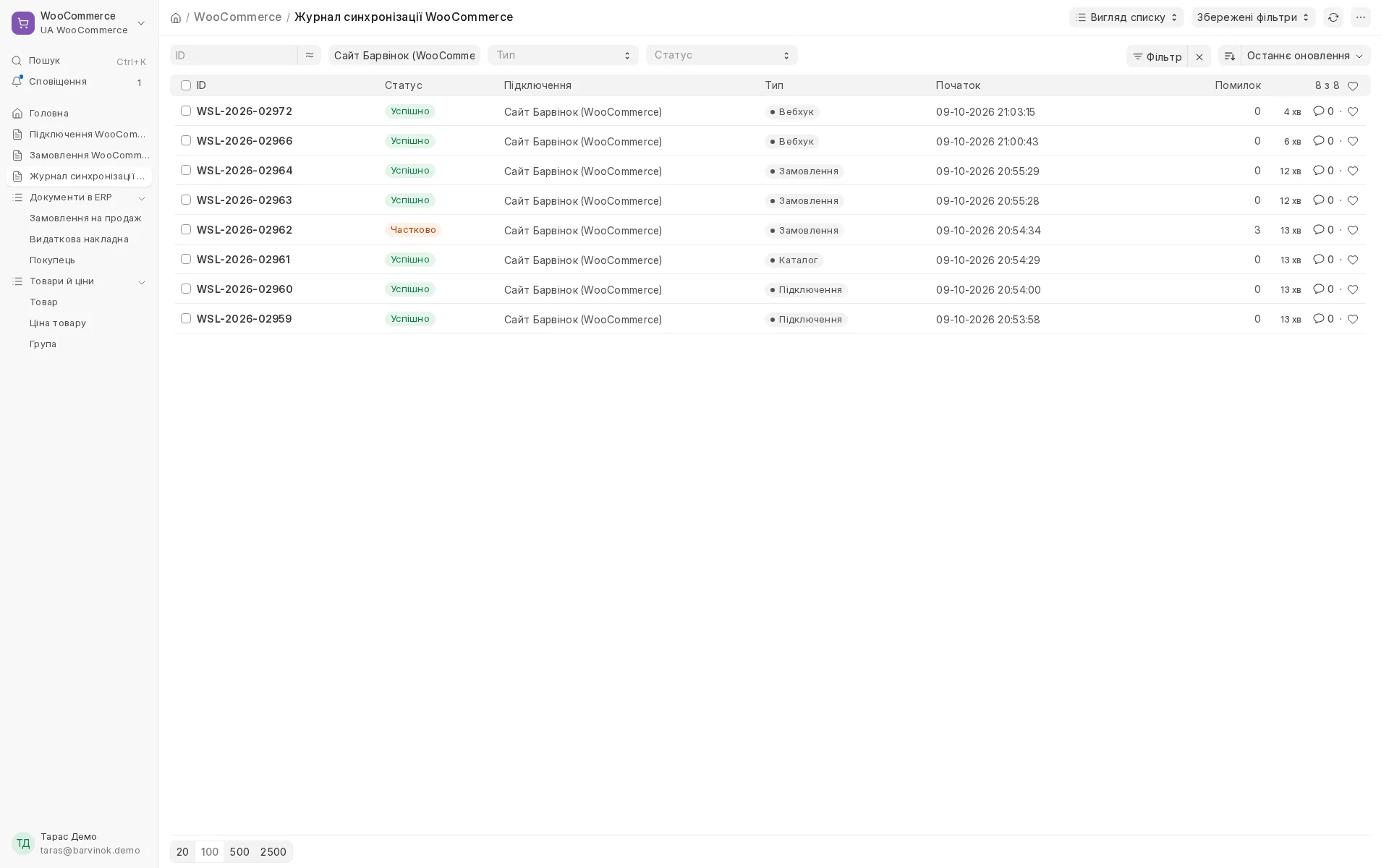
A log of every exchange: connection, catalogue, orders, stock and statuses, with a check that everything was actually written to the site.
- 07
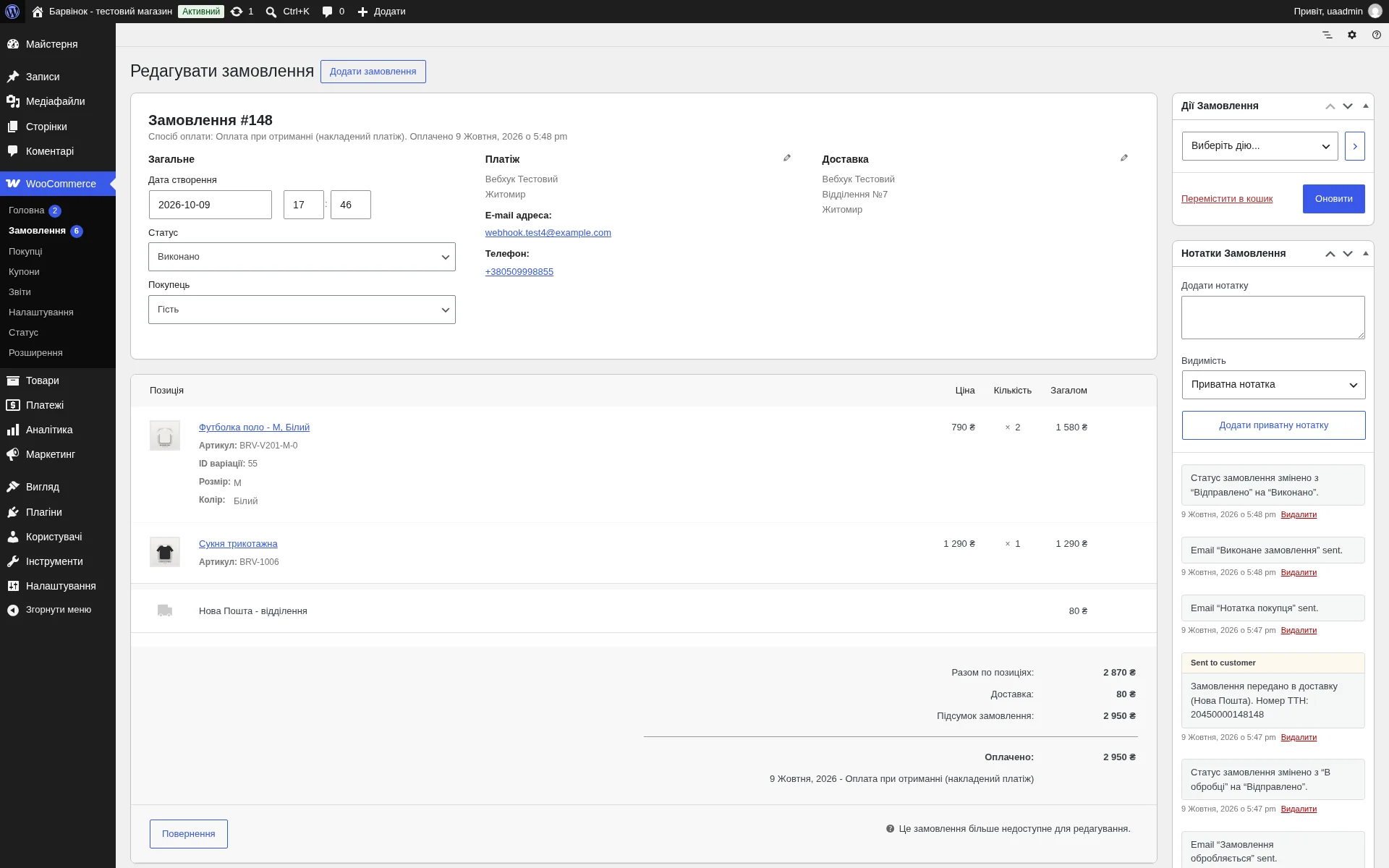
On the site the shop manager sees the "Completed" status and a note with the waybill number set by the ERP, and the buyer gets an e-mail.
WordPress / WooCommerce integration
A WordPress / WooCommerce shop is connected with one button, without entering keys by hand. Orders arrive in the ERP right after checkout on the site, with stock reserved and the Nova Poshta city and branch taken from popular shipping plugins. A payment made on the site through a payment plugin becomes a payment in the ERP, followed by a receipt and a CRM stage according to your rules. Statuses from your table (including the site's own custom statuses) and the waybill number go back to the site, and the buyer gets an e-mail. Stock and prices, regular and sale prices, including for variations, are updated on the site and verified after every write. The catalogue with categories, photos, barcodes and variants is transferred into the system.
Area: Sales and shipping. The module is switched on and off for each company separately, with no per-seat licences.

The same, on your data.
The screens were captured on a demo company. Send us a sample document or order and we will show this module on it.