
PRRO: a receipt straight from the document
Checkbox in invoices, the shop till, refunds and shift reports
Step by step, as in the recording
The voice-over text in English, to find the right moment or read it instead of watching.
- 01
You make a sale and then type the same thing again in the cash register program? Here the fiscal receipt is issued straight from the sales document, and all receipts are kept in one log.
- 02
Let's start with an error: the shift on the cash register was not opened, and auto-opening is switched off. The invoice is still submitted, and the system simply shows honestly why there is no receipt. You open the shift on the cash register card, and the status updates at once. You go back to the invoice, click "Retry fiscalisation", choose the cash register, and the receipt is issued.
- 03
From then on it is simple: you submit the invoice, and the receipt is fiscalised automatically, without any extra button. The fiscal number appears at the top, and a PDF for the receipt printer is already attached to the document.
- 04
It works the same way in the shop, in the familiar ERP point of sale. You add products, the buyer pays part by card and part in cash with change. Both payments go on the receipt, but the change does not, so the till matches the document. You submit the sale, and the fiscal number comes back straight away.
- 05
A customer returned some dresses. From the invoice you open her sales receipt and under actions click "Refund receipt". The system issues a refund for the full amount and links it to the sales receipt itself.
- 06
During the day the X-report shows the shift's sales and closes nothing. In the evening you close the till: the shift is closed, the Z-report is saved, and the cash goes to the safe as a cash withdrawal in a separate entry. If you forget to close it, the shift closes on its own, no later than after 23 hours 40 minutes.
Checkbox software cash register (PRRO)
Fiscal receipts via Checkbox from invoices, deliveries, orders and the POS till, refund receipts, two receipts for cash on delivery (COD), several cash registers for several sole proprietors (FOP), automatic shift opening and a Z-report on closing. Checkbox webhook: a receipt the register issued after a connection failure becomes fiscalized on its own, with no retry and no duplicate.
Area: Sales and shipping. The module is switched on and off for each company separately, with no per-seat licences.
More modules on video
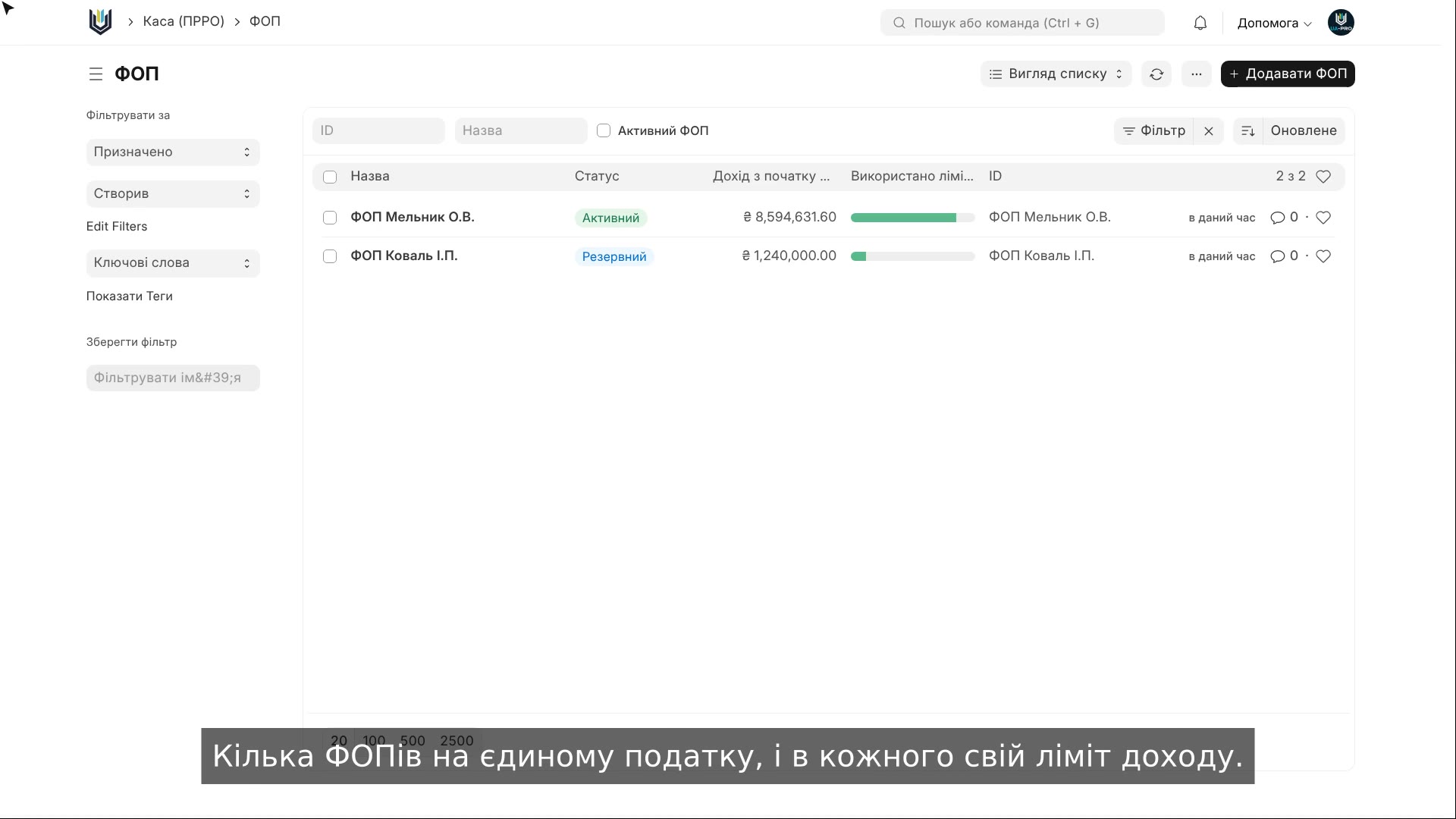 2:07Sole proprietor (FOP) and income limit
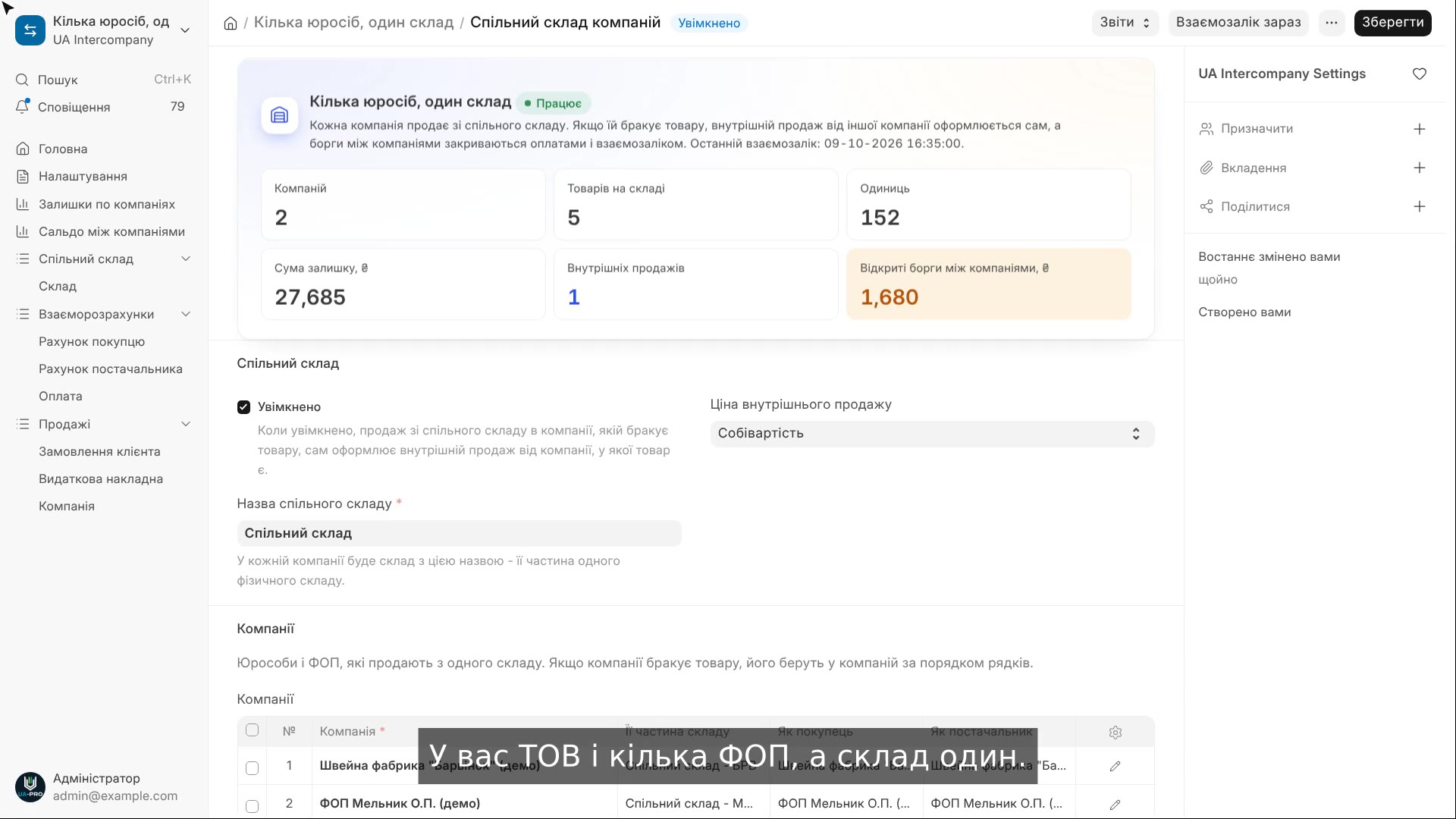 2:16Several legal entities, one warehouse
 2:17Sales KPIs and bonuses
The same, on your data.
The video was recorded on a demo company. Send us a sample document or order and we will show this module on it.